
NOKO Swipe
Clean up your camera roll, one swipe at a time.
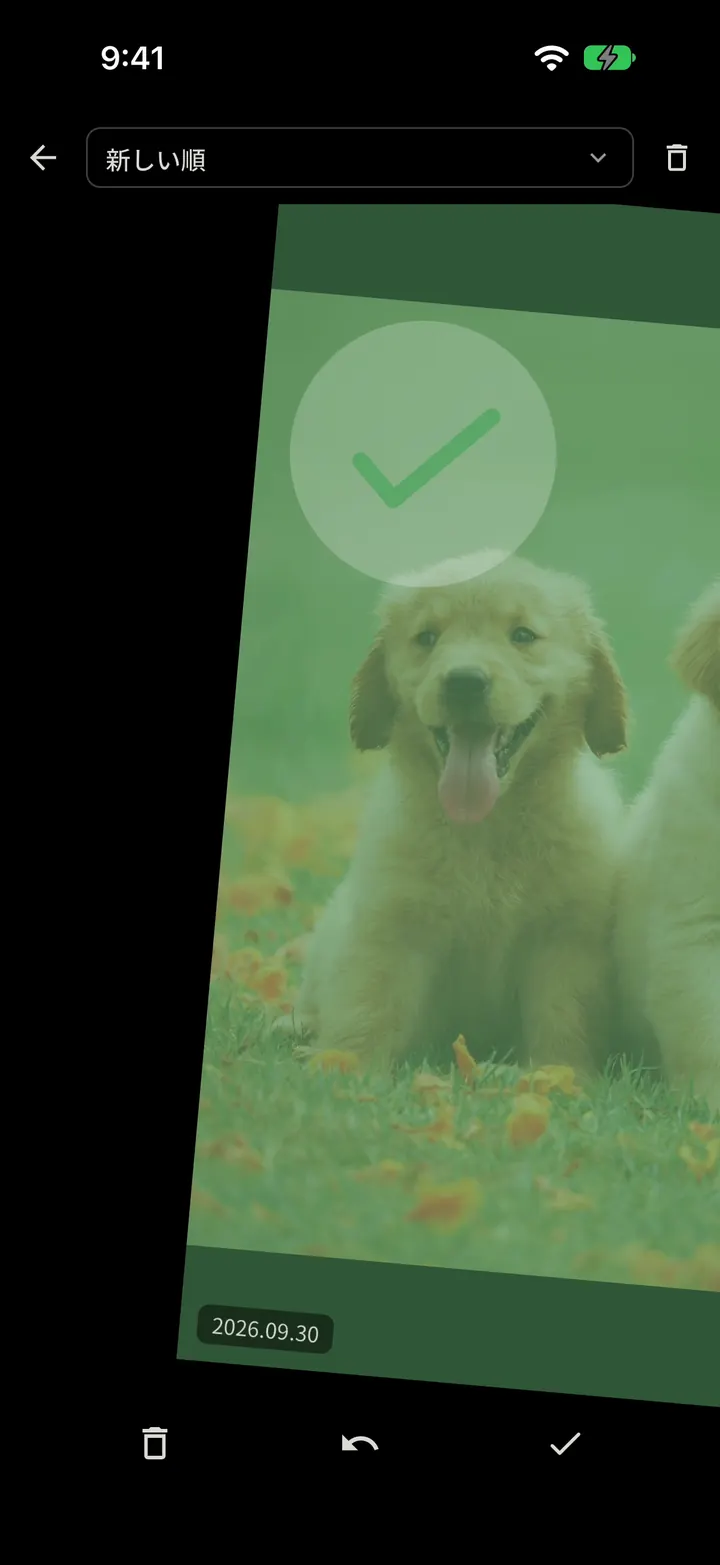
Swipe right to keep. Swipe left to mark for deletion. Not sure? Skip it for later.
For iPhone. Android version coming soon.
Nothing is deleted until you confirm.
Swiping only sorts. You review your deletion candidates later, and the operating system asks you to confirm before anything is removed.
-
Swipe left
The item is added to your deletion candidates. It is not removed from your device.
-
Review later
See all your candidates in one list. Tap “Keep” to take any of them off the list.
-
Confirm to delete
Deletion happens only after the operating system’s own confirmation.
You stay in control. Your photos and videos are not uploaded to the operator’s servers.
A little at a time.
You don’t have to sort thousands of photos in one go. Review a few whenever you have a moment.
-
Fits into spare moments.
One photo at a time, so you don’t need to set aside a block of time.
-
You choose.
Your memories are yours to keep. Nothing is decided for you.
-
Free up space, gradually.
Clear out photos and videos you no longer need and give your phone some room.
Free & NOKO Pro
Start free. Go further with Pro.
Free
Up to 100 decisions per cycle, sorted randomly, oldest first, or newest first. The next 100 become available 24 hours after your first free decision. Unused decisions do not carry over.
Try Pro free, once
After your first 100 decisions, eligible users can try Pro for 50 decisions. It is completely free: no payment, no automatic charges, and no automatic switch to a paid plan.
NOKO Pro
Unlimited decisions without ads, plus Largest first, Videos only, and Screenshots modes. Choose 24-hour Pro, Monthly, Annual, or Lifetime. Available plans and prices are shown in the store before you buy.
Clean up your camera roll, one swipe at a time.
Android version coming soon. Questions? Visit Support.